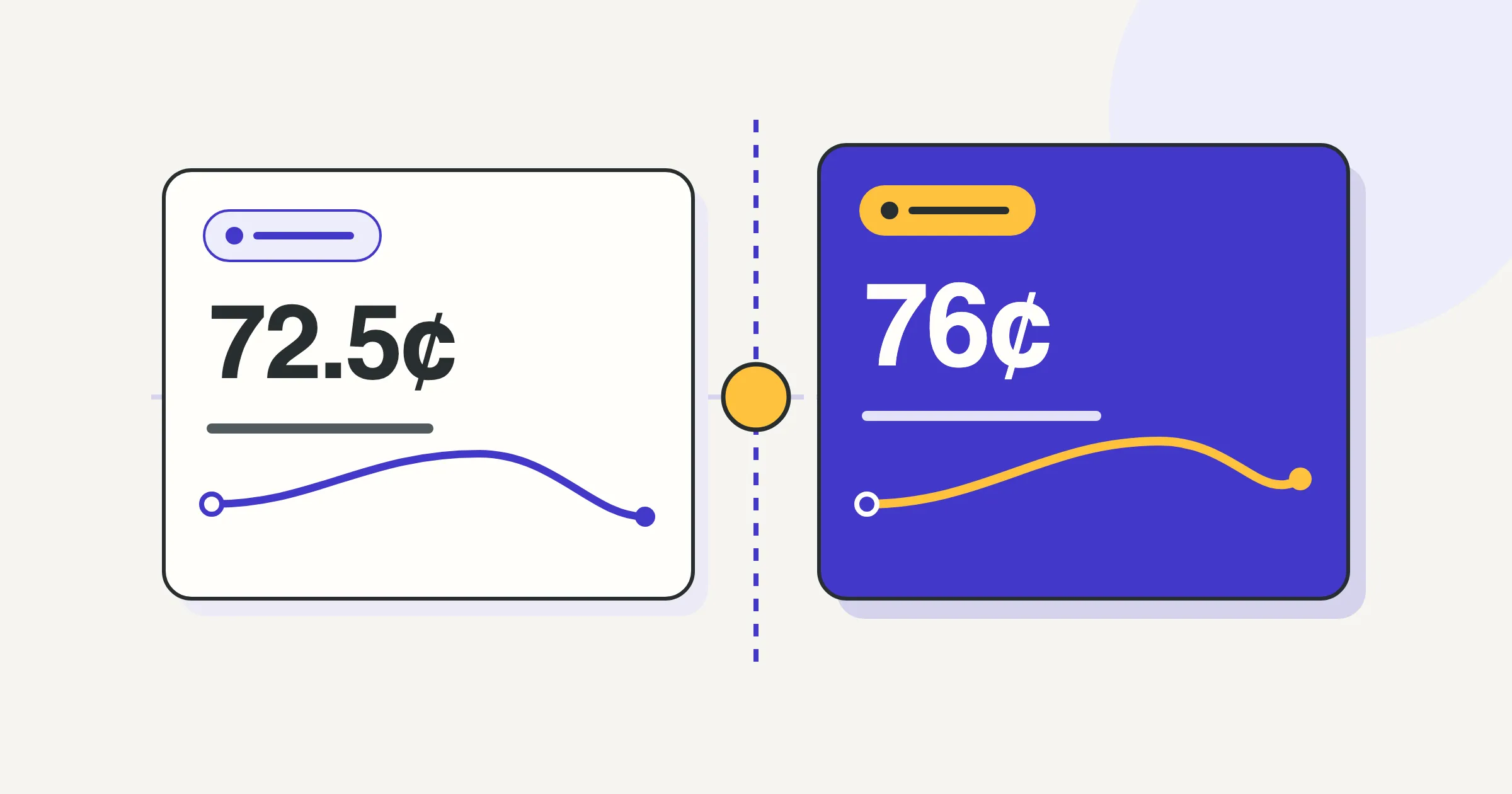

Uber’s 1099-K reports gross trip payments, not your bank deposit. Uber’s tax summary lists online miles, but online does not mean deductible. Keep the earnings documents and your own dated mileage record together. For eligible 2026 business miles, the IRS standard rate is 72.5¢ through June 30 and 76¢ from July 1. A deduction is not cash back.
Which Uber documents answer which question?
Uber describes four kinds of documents on its tax information page: the 1099-K, the 1099-NEC, the annual tax summary, and the monthly tax summary. Trip receipts and weekly earnings statements sit in the Driver app and driver dashboard. None of them is a mileage log.
| Document | What it records | What it cannot establish |
|---|---|---|
| 1099-K | Gross payments from riders and Uber Eats customers for completed trips and deliveries, including tips, per Uber | Your net pay, your expenses, or your business miles |
| 1099-NEC | Promotions, referrals, and other non-customer payments | Trip income or miles |
| Annual tax summary | Yearly earnings, fees and other deductions Uber took, and online miles; Uber says it is not an official tax form | Which online miles were business miles for your return |
| Monthly tax summary | The same figures for one month | The same limits as the annual summary |
| Trip receipts and earnings statements | Each trip’s fare breakdown and final route | Miles between trips, or the reason for a drive |
| Your own mileage record | Date, miles, where you went, and why, for each business use | Nothing by itself decides eligibility; a preparer applies the rules |
Whether you get a 1099 depends on IRS thresholds. For payments made in 2026, a payer files a 1099-NEC when it paid you at least $2,000 in nonemployee compensation, per the IRS instructions for Forms 1099-MISC and 1099-NEC. A payment app or online marketplace, which includes a ride-hailing platform, must send a 1099-K when your payments through it exceed $20,000 in more than 200 transactions, per the IRS 1099-K page. The same page says you may get a 1099-K below that level, and Uber says some states have lower thresholds and that you can opt in to receive forms below the federal threshold through Tax Settings.
Missing a form does not make income unreportable. The IRS explains that taxable gig income remains reportable even when no information return is received. A preparer can reconcile income records with the forms received. Uber also says that if you use one email for Uber and Uber Eats, both are combined in one summary and one threshold test, while separate emails can produce separate documents. That describes Uber’s documents, not how many businesses you have for tax purposes.
As of September 28, 2026, Uber’s tax landing page still shows $600 for the 1099-NEC and calls 72.5¢ a 2025 rate; its tax documents help article shows $2,000. Both pages give January 31, 2026 as the document date, which was the 2025 tax-year cycle. Uber has not published dates for the 2026 tax-year documents. Use the IRS pages above for the figures.
Why is my deposit lower than my 1099-K?
Uber’s tax page answers this: the 1099-K shows gross payments, the total riders and customers paid, and deposits are net earnings after Uber’s fees and other deductions. Neither figure is wrong. The tax summary itemizes what Uber took, and your preparer needs it to see what you received.
Reconcile in this order. Start from the gross figure on the 1099-K. Subtract the fees, insurance, and other deductions listed in the tax summary’s expense section. Add promotions and referrals, which appear on the 1099-NEC when they meet the threshold and in the summary either way. Compare the result with your bank deposits for the same period. Anything left over is a question for your preparer, not a number to force.
A reconciliation can identify fees already reflected in a net figure and help a preparer avoid double counting. Whether a particular fee is deductible, and how it is reported, depends on the underlying records and applicable rules. Uber says tips are included in gross earnings on its documents; how to report them, and whether any tip deduction applies, is a preparer question.
What changes between the offer card and the completed trip?
The offer card is an estimate. Uber’s upfront fares article says the amount uses base fares, estimated trip length and duration, pickup distance, and surge, and that it updates when the trip changes, such as a new address. Tips, tolls, and surcharges are outside it. Uber’s surge page says surge appears as a multiplier, an added amount, or an upfront fare that includes it, depending on the city, and changes in real time.
None of that records miles. Keep the trip receipt, which shows the final fare and route, and keep your own record of the driving around it.
Requests arrive in two forms, described in Uber’s Trip Radar post.
| Request | How it works | Effect on your rates, per Uber |
|---|---|---|
| Trip Radar | Shown to several drivers at once; you tap Match and may not get it | Ignoring or declining does not affect acceptance rate; canceling after a match counts toward cancellation rate |
| Exclusive | Shown only to you; you tap Accept and the trip is yours | Counts toward acceptance rate; canceling after accepting counts toward cancellation rate |
Your choice among requests is a pay decision; your mileage record does not change with it. Write down the driving you did.
Multi-stop trips are one place where the offer and the trip diverge. In a September 2026 UberPeople thread, a Las Vegas driver reported that stops were hidden until the trip started. Others replied that the stop still appears as a marker on the request map or in small text between the addresses, and one recommended opening trip details after every accept; the original poster agreed to look more closely. That is an open disagreement among drivers, not a proven policy change. Whatever the card showed, the receipt shows the final route. Uber’s earnings guide says a trip that runs longer because of route changes can pay more, with the final fare shown after the trip ends. Save the receipt and describe the added driving in your record.
Which empty miles need a business explanation?
Uber measures online miles in three stages, per its tax page: waiting for a request or driving to a busier area, driving to the pickup, and driving on-trip. Its worked example counts a drive from home to a waiting area while online. That is how Uber measures. It is not a ruling on what you can deduct.
Publication 463 says driving between your home and your main or regular place of work is personal commuting. It has separate rules for people with no regular place of work and for temporary work locations, and it treats a home office differently. A rideshare driver’s first drive of the day and last drive home are where those rules matter most. An online toggle, a destination filter, or an empty back seat does not settle the question. Your record should show when you went online, where you went, and what you were doing, so a preparer can apply the rules to your facts.
Empty driving between jobs is a different question from the drive home. Driving from a dropoff to the next pickup, or repositioning toward a busier area while online, is driving you can describe with a business reason. Record it with the same date, miles, and purpose you record for on-trip driving. Personal detours are different again: pause your record, or note the detour, so the personal miles are not mixed in.
Separate 1099s do not create separate miles. If you run Uber and Lyft at the same time, a mile driven with both apps open is one mile. Each platform’s summary can count it as an online mile, so adding the summaries together overstates your driving. Keep one record of the shift, marked as driving for both; each summary is supporting evidence for its share of the work. Publication 463’s recordkeeping chapter asks for miles, date, destination, and purpose for each business use plus total miles for the year, not a per-platform split.
What does Sam’s Uber shift illustrate?
What should I hand my tax preparer?
Bring four things. Uber’s documents: the 1099-K and 1099-NEC if you received them, the annual tax summary, and receipts for any trip whose route changed. Your dated mileage record for the year, with the date, miles, where you went, and why, for each shift. Your vehicle’s total miles for the year, from odometer readings at the start and end of its period of business use. And a short list of what you could not resolve: the gap between gross and deposits, the gap between Uber’s online miles and your record, and any first or last leg you are unsure about.
Then ask a CPA or enrolled agent to make the decisions this article leaves open: which of your recorded miles are business miles, including the first drive out and the last drive home; whether you can use the standard mileage rate this year; how to treat the fees Uber deducted so nothing is counted twice; and how your tips should be reported. For the recordkeeping rules behind all of this, read the mileage log guide. To check the rate for a different driving date, use the rate lookup.
This is general recordkeeping information, not tax advice. Ask a tax professional about your own return.