

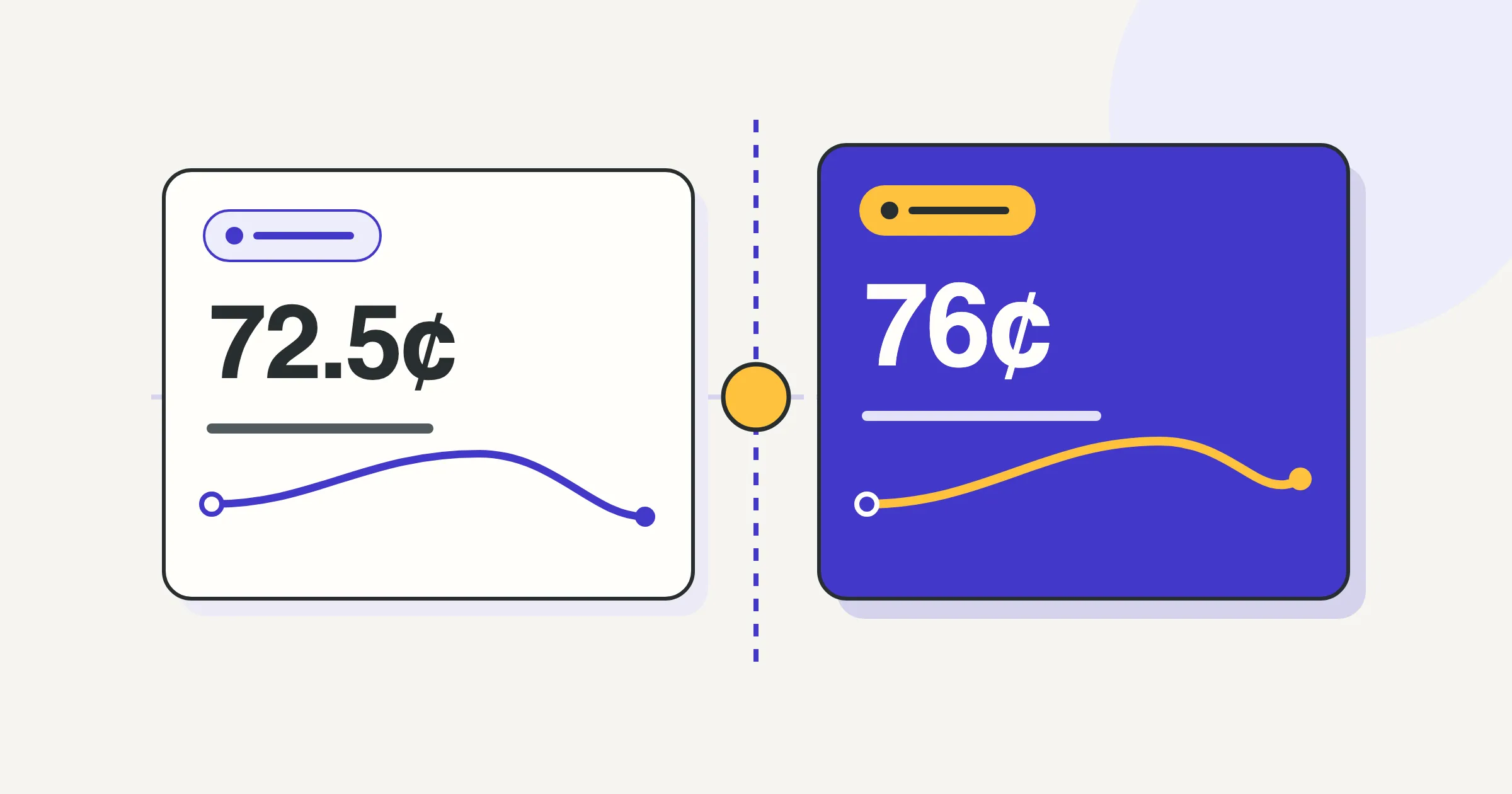
For eligible business driving in 2026, the IRS lists 72.5¢ per mile for January 1 through June 30 and 76¢ for July 1 through December 31. For miles that qualify, and assuming eligibility to use the standard mileage method, the estimate is the sum of each period’s eligible miles multiplied by its rate. The result estimates a deduction, not a payment or tax savings.
Which dates use each rate?
Use the dates you drove, not the date you prepare the calculation. The IRS standard mileage rate table, checked September 28, 2026, gives these business rates:
| Dates driven in 2026 | Business rate per mile |
|---|---|
| January 1 through June 30 | 72.5¢, or $0.725 |
| July 1 through December 31 | 76¢, or $0.76 |
You can check a drive’s date in Rate by date. A rate lookup does not decide whether the drive qualifies.
How do I calculate a year with different rates?
Assuming the miles qualify and the standard mileage method is available, dated records support this estimate:
- Eligible miles driven January 1 through June 30 × $0.725.
- Eligible miles driven July 1 through December 31 × $0.76.
- The two period amounts added together.
In dollars, the formula is first-period miles × $0.725 + second-period miles × $0.76. Both rates come from the IRS table.
Do not multiply all annual miles by the latest rate or take a simple average of the two rates. Either shortcut loses the connection between dates and miles. If you drove qualifying miles in only one period, use only that period’s rate. Do not invent an equal half-year split when records are missing.
If your records stop before December 31, label the result as year to date and state the last date included. It is not a full-year total.
Where does Sam’s sample shift go?
What does Orphie calculate, and what must I check?
Orphie’s built Taxes tab shows rate-period miles and estimated amounts. It records the miles you choose to log; it does not classify commuting, decide eligibility, or file your return.
Orphie counts a whole shift on the date it started, in the time zone the shift was recorded in. It does not split a shift at midnight, and changing your phone’s time zone later does not move the shift to a different day, year, or rate period.
That is an app convention, not an IRS rule for a drive spanning June 30 and July 1. If a shift crosses that boundary, take the dated records to your tax preparer rather than assuming the app’s allocation settles your return.
Orphie uses corrected miles when present. It rounds each stored distance half-up to six decimal places in miles, totals those miles within each period, multiplies by the period’s rate, then rounds half-up to cents once per period. Its annual estimate adds those rounded period amounts. It does not add the displayed cents from each shift, so those two approaches can differ slightly.
What should I bring to my tax preparer?
Bring the dated mileage records behind each period total, with the purpose of the drives and any supporting evidence. Flag missing records and shifts near the midyear boundary. The IRS recordkeeping guidance requires support for the claimed expense, not just arithmetic.
Ask a qualified tax professional to confirm which miles qualify, whether you can use the standard mileage method, and how to allocate any drive spanning the rate change before using the estimate on your return.
This is general recordkeeping information, not tax advice. Ask a tax professional about your own return.