
Battery drain comes up in drivers’ discussions about mileage tracking apps. People describe hot phones, frequent charging, and uncertainty about whether tracking has stopped after a journey. Those are individual reports, not controlled comparisons, but the concerns matter.
Building Orphie meant thinking about more than getting a location and adding up the miles. We also had to decide how much work to do with each location, when to save it, and what should happen when the phone gets hot.
Here are some of those decisions.
A straight road and a tight turn need different treatment
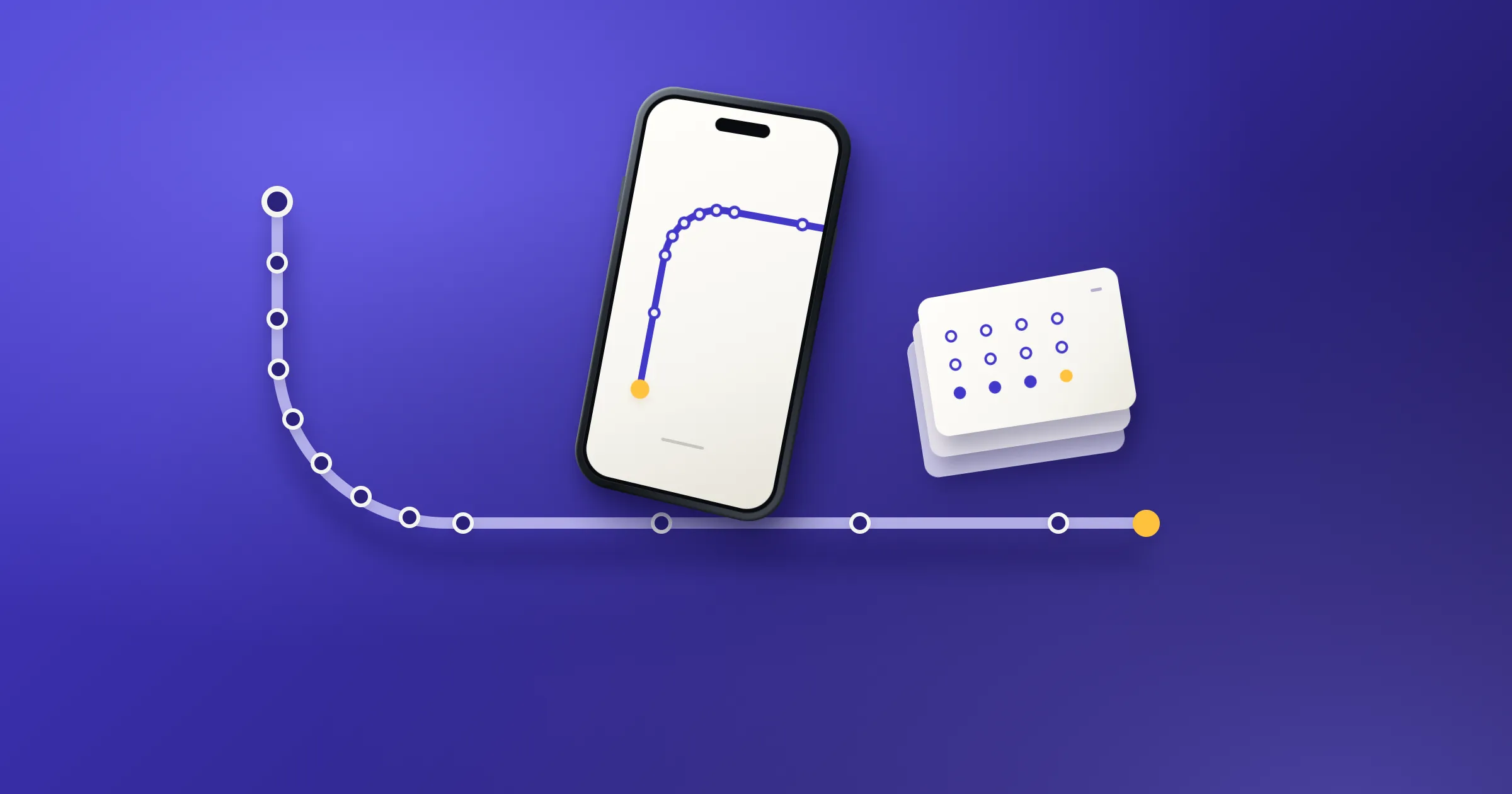
Location points are how a tracking app reconstructs your route. Keep them too far apart and a bend becomes a straight line across the corner. Keep every small movement reported by the phone and you can retain noise without learning much more about the journey.
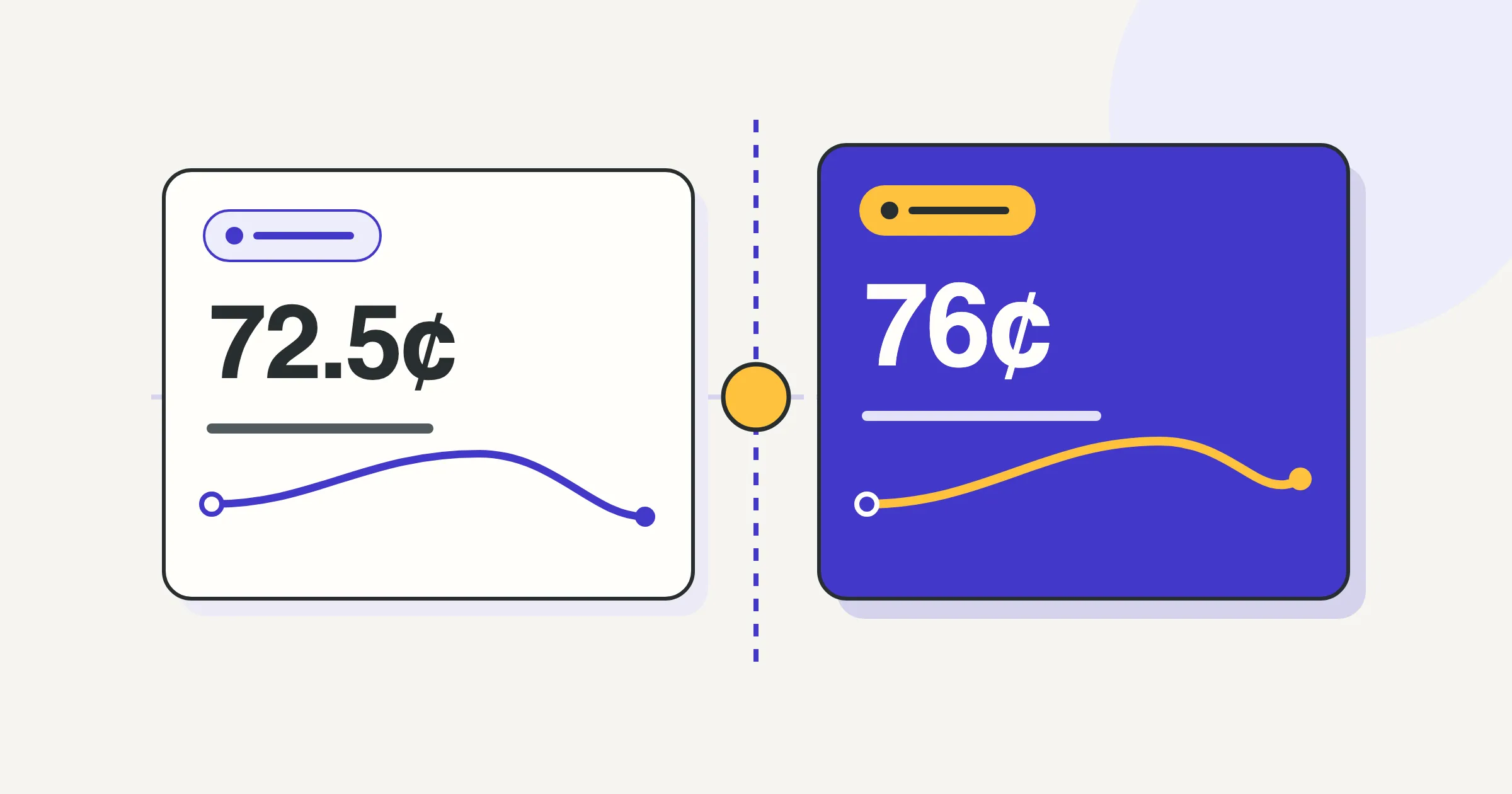
Orphie uses an adaptive recording policy. It considers speed and changes in direction instead of applying one spacing rule to the whole shift.
Under normal temperature conditions, the policy uses closer spacing, as little as 15–25 metres, for slower driving and changes in direction. On faster, straighter stretches, it can allow 100 metres between retained points.
Keep the detail where the route changes
There is a limit to this approach. We can only respond to movement the phone has reported. Wider spacing can lose detail. These thresholds are engineering choices that need checking against driven routes, not guarantees of perfect mileage.
We use the phone’s location system
Orphie receives background location updates through Apple’s Core Location on iPhone and Google’s fused location service on Android. The operating system manages location delivery; Orphie handles the updates it receives rather than repeatedly asking for a position in its own polling loop.
The platforms give us different controls. On Android, our recording policy feeds into the requested update intervals and minimum movement distance. On iPhone, we use Apple’s automotive location updates and apply our policy to the points we accept.
That difference matters. Keeping fewer points on an iPhone does not mean we’ve instructed its GPS hardware to wake less often. We can control our own processing, but we shouldn’t claim more control over the hardware than the platform gives us.
We save points in batches
Receiving a location and writing it to storage are separate jobs. Saving every point in its own database transaction creates repeated work.
Orphie buffers accepted points and saves them together. During recording, a new accepted point triggers a checkpoint once the buffer reaches 50 points, or its oldest unsaved point is at least 60 seconds old.
Group the points before writing them to storage
50 points or an oldest point at least 60 seconds old
A quiet period without accepted points can leave the buffer unsaved for longer. Parking and recording controls also provide opportunities to save.
Batching has a cost. If the app is abruptly terminated before a write finishes, unsaved points can be lost. Saving only at the end of a shift would leave too much at risk; writing each point separately would do more storage work. Checkpointing is the compromise.
Heat changes the recording policy, but doesn’t postpone saves
Orphie listens for the operating system’s thermal warnings. On Android, this response is available on Android 10 and later; older versions keep the normal recording policy.
When the phone reports serious heat, the recording policy widens the spacing between retained points. At critical heat, it allows wider spacing again. That reduces retained route detail, so it is a tradeoff we need to acknowledge.
Respond to heat without deferring checkpoint saves
We keep that decision separate from saving the record. Thermal warnings don’t introduce a delay to checkpoint writes. A phone under thermal pressure can have background work interrupted; deferring its saves would put more of the unfinished record at risk.
None of this can prevent overheating caused by sunlight, charging, or other apps. It gives our recorder a way to respond to the phone’s condition.
Some work doesn’t need to happen during the drive
There is no moving route map on Orphie’s driving screen. You can review the route after ending the shift; the recorder doesn’t need to redraw it throughout the journey.
City-name lookups also wait until after End, and only happen if you’ve enabled that option. Recording a route doesn’t require looking up an address for every point. When enabled, the endpoint lookup uses Apple’s or Google’s service, not an on-device address database.
We also chose explicit Start and Pause controls instead of all-day automatic drive detection. That means you have to remember to start. In return, Orphie doesn’t need to monitor your location outside a recording session to discover when work might have begun.
Pause turns Orphie’s location recording off. End from recording has a short continuation window, up to ten minutes or two continuous parked minutes, whichever comes first. Save turns recording off and discards that provisional stretch, keeping the End-time record. End from Pause leaves location off. The shift guide explains the controls.
What we still need to measure
These are concrete ways we’ve tried to limit unnecessary work. We haven’t yet measured a battery-saving percentage, so we won’t attach one to them.
A useful test needs to measure power use and examine the resulting mileage record under the same driving conditions. Lower battery use wouldn’t be an improvement if we achieved it by missing part of the route.
For now, we can explain the implementation and its compromises. The measurements still need to follow.
This is general recordkeeping information, not tax advice. Ask a tax professional about your own return.